
WBP White Label Solution
Choose an RML subdomain or custom domain and prepare the assets, credentials, certificates, and contacts required for a WBP white-label solution.
Use this guide to choose a white-label domain setup and prepare the assets, credentials, and certificates Route Mobile needs to configure your solution.
Document metadata
Route Mobile WhatsApp White Label solution User Manual
Document Number: v1
Date: Oct 10, 2024
© 2024 Route Mobile Limited. All rights reserved.
Choose your white-label setup
Use a customized Route Mobile subdomain with minimal setup, such as https://customername.rmlconnect.net/.
Use your own domain, such as https://abcd.waba.net/login, with your SSL certificate and private key.
| Requirement | RML subdomain | Custom domain |
|---|---|---|
| Customer provides domain | No | Yes |
| SSL certificate and private key | No | Yes |
| Wildcard SSL for two or more domains | No | Yes |
| Route Mobile provides ALB endpoint | No | Yes |
| Customer setup input | Preferred subdomain name | Domain, certificates, and private key |
Set up an RML subdomain
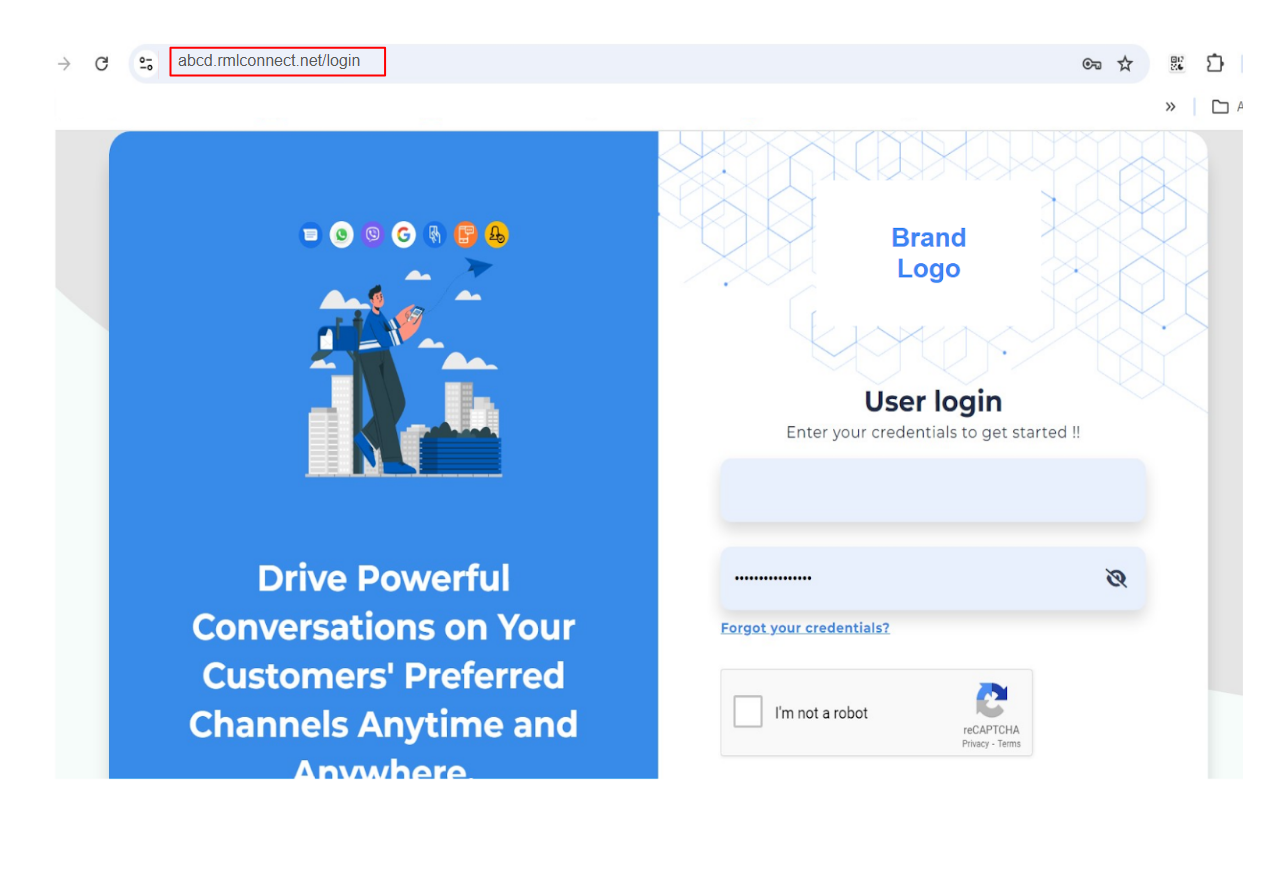
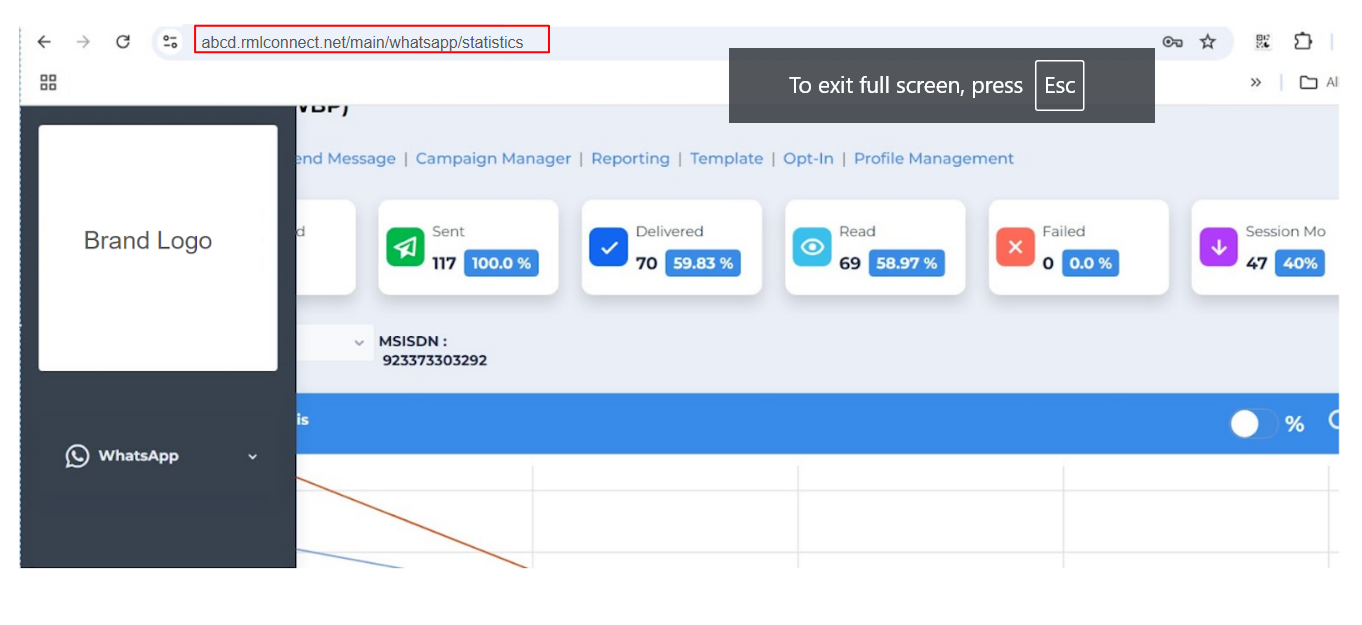
Route Mobile provides a subdomain of rmlconnect.net for white labeling. For example, Route Mobile can provide https://abcd.rmlconnect.net/, where abcd is replaced with the customer name.
- Choose the subdomain name that replaces
abcdinhttps://abcd.rmlconnect.net/. - Share the preferred subdomain name with Route Mobile.
- Route Mobile configures the subdomain and provides access.
Set up a custom domain
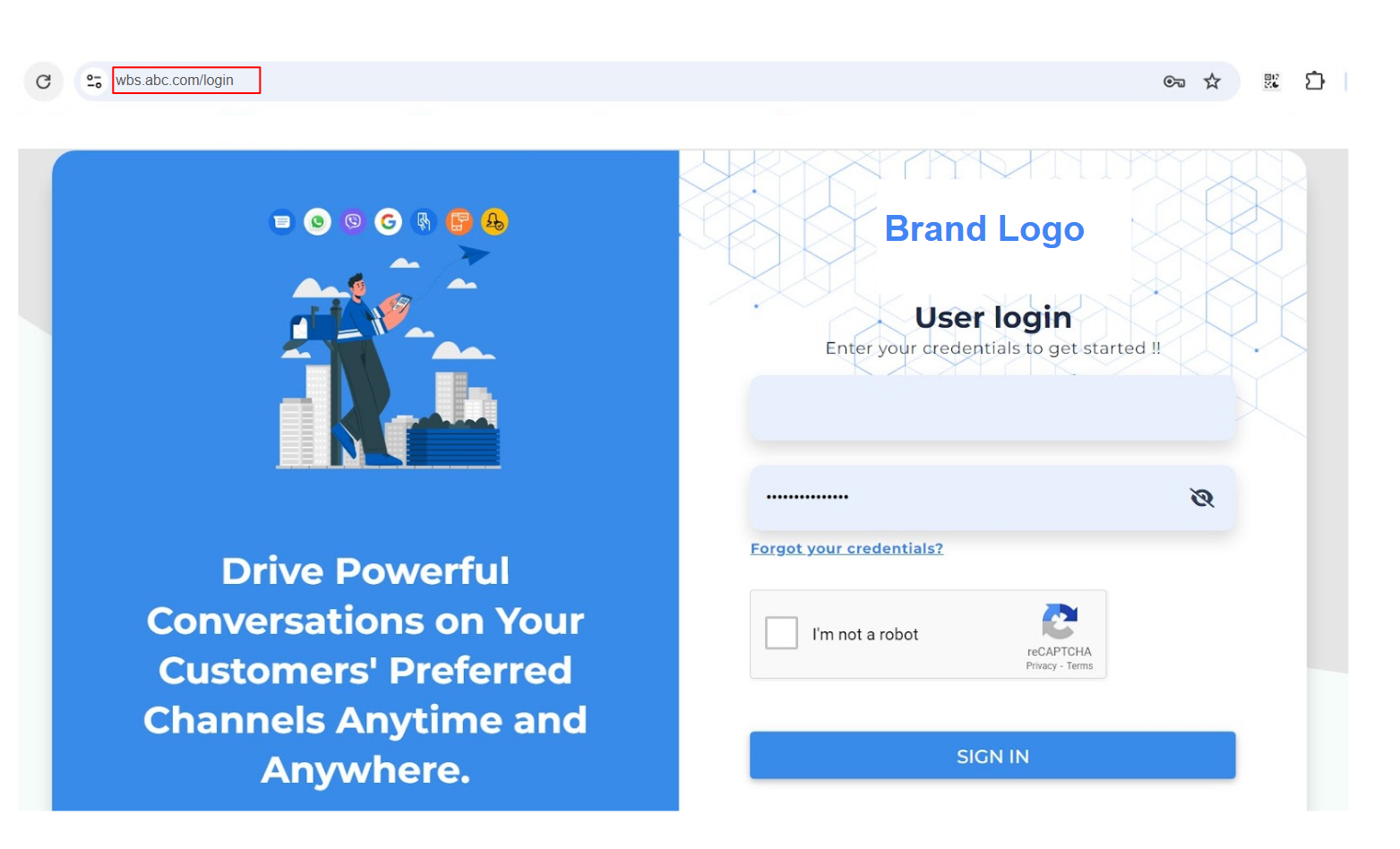
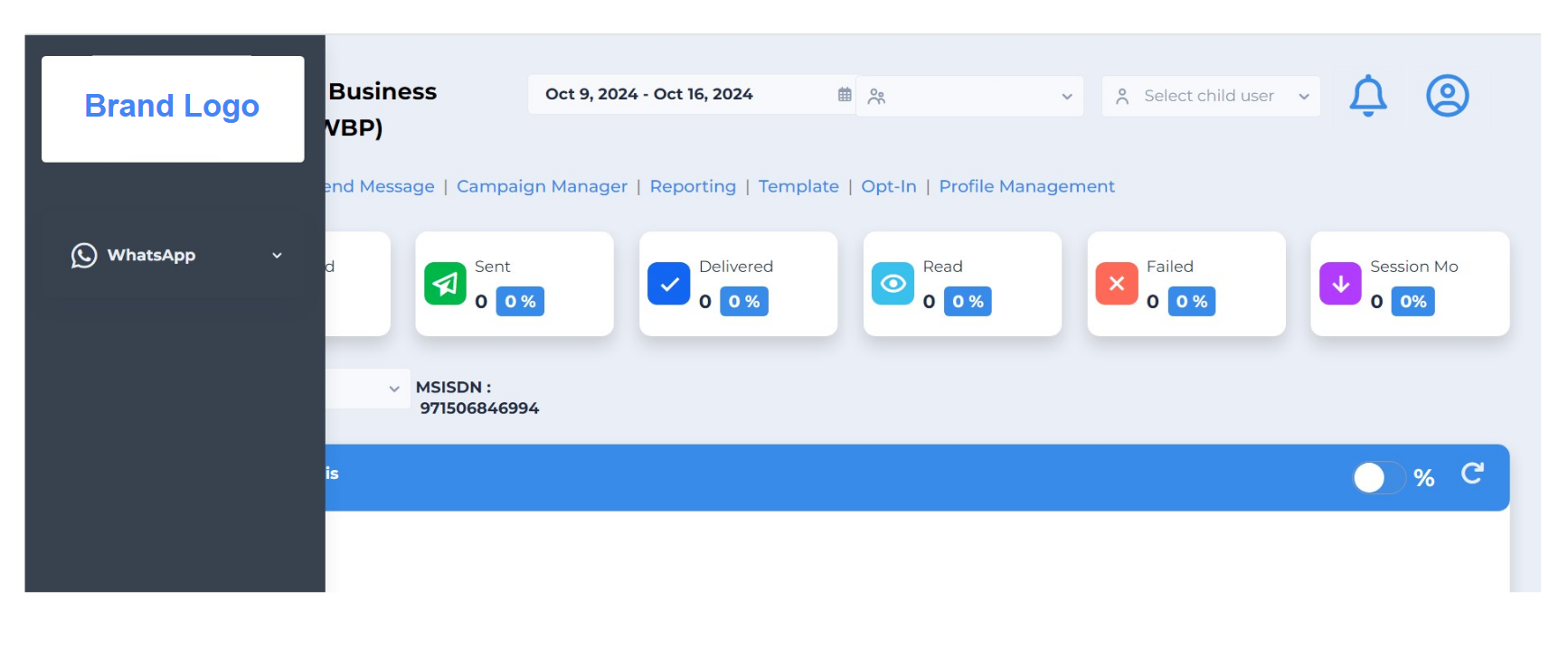
Use a custom domain if you want a completely new domain for your WhatsApp Business solution.
- Purchase the custom domain from a third-party provider.
- Obtain a valid SSL certificate and private key from a third-party vendor.
- Ensure the SSL certificate is valid for at least one year.
- If you use two or more domains, obtain a wildcard SSL certificate and private key.
- Configure the certificate chain and private key file correctly.
- Share the SSL server certificate, intermediate certificates, and private key with Route Mobile DevOps.
- Route Mobile DevOps provides the ALB endpoint.
- Map the purchased domain to the provided ALB endpoint.
Customer asset checklist
Provide the following assets and website metadata:
| Item | Requirement |
|---|---|
| Logo image | 512 × 512 pixels, .png format. |
| Favicon icon | 32 × 32 pixels, .png format. |
| Website title | Provide the title to display for the website. |
| Website description | Provide the website description. |
| Company | Provide the company name. |
Credentials required
| Solution | Required credentials |
|---|---|
| WhatsApp and RCS white label solutions | User credentials from BD. |
| Chatbot white label solution | Roubot credentials and Live Agent credentials for the Live Agent panel from BD. |
Route Mobile does not provide a white-labeled Reseller/TSP Panel for onboarding end clients.
Contacts
| Purpose | Contact |
|---|---|
| GUI changes | Suraj Jadhav — [email protected] |
| Domain changes | Abhishek Gowda — [email protected] · Krishna Chithanya — [email protected] |
| Presales SPOC | [email protected] · [email protected] |
The respective salesperson should coordinate with the client to collect the required logo, favicon, domain, SSL certificates with one-year validity, and private key.
Updated 2 months ago