
Accessing Viber Business Messages
To access Viber Business Messages, follow these steps:
-
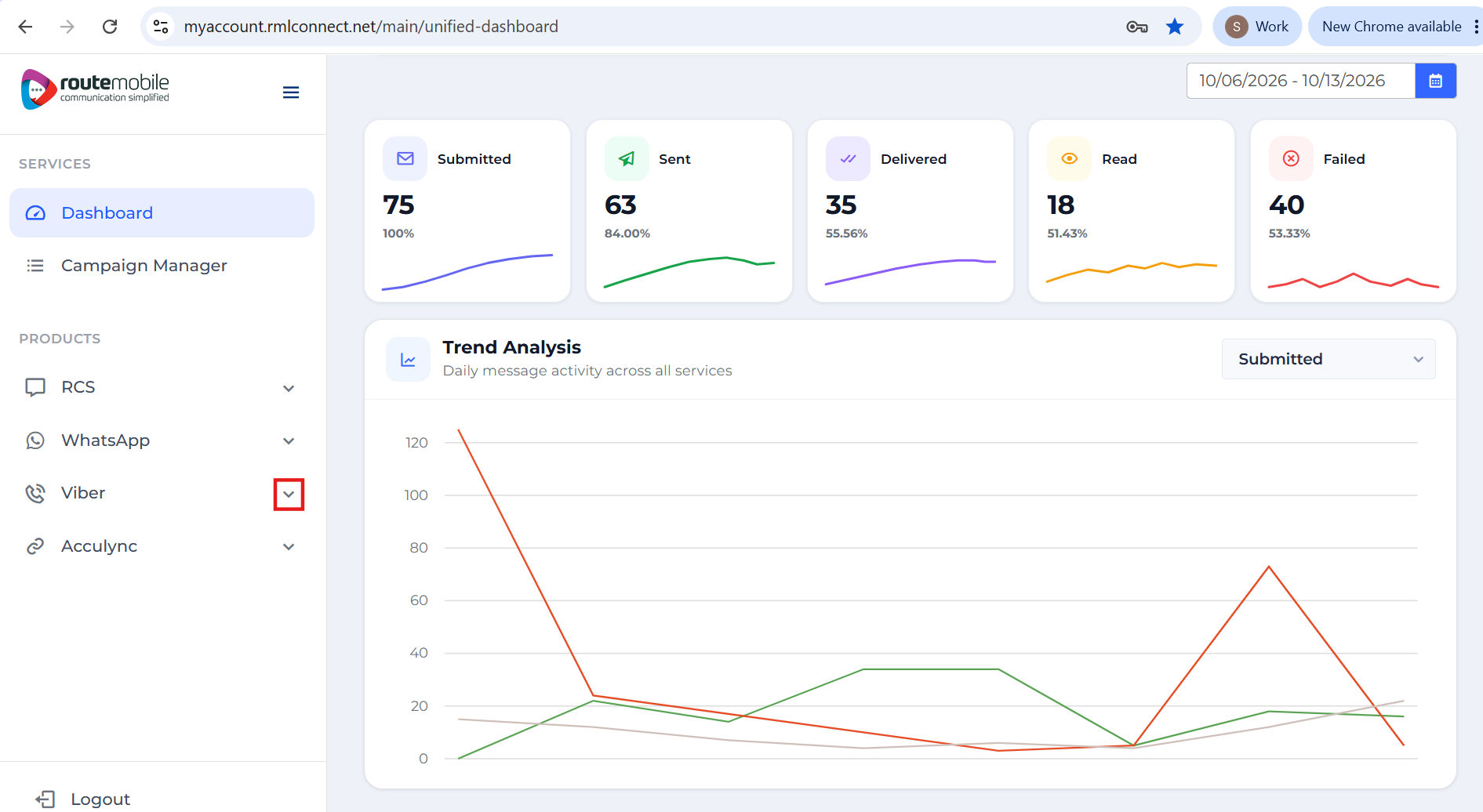
After logging in to the Route Mobile Client Panel, locate the product icons in the left navigation pane.
-
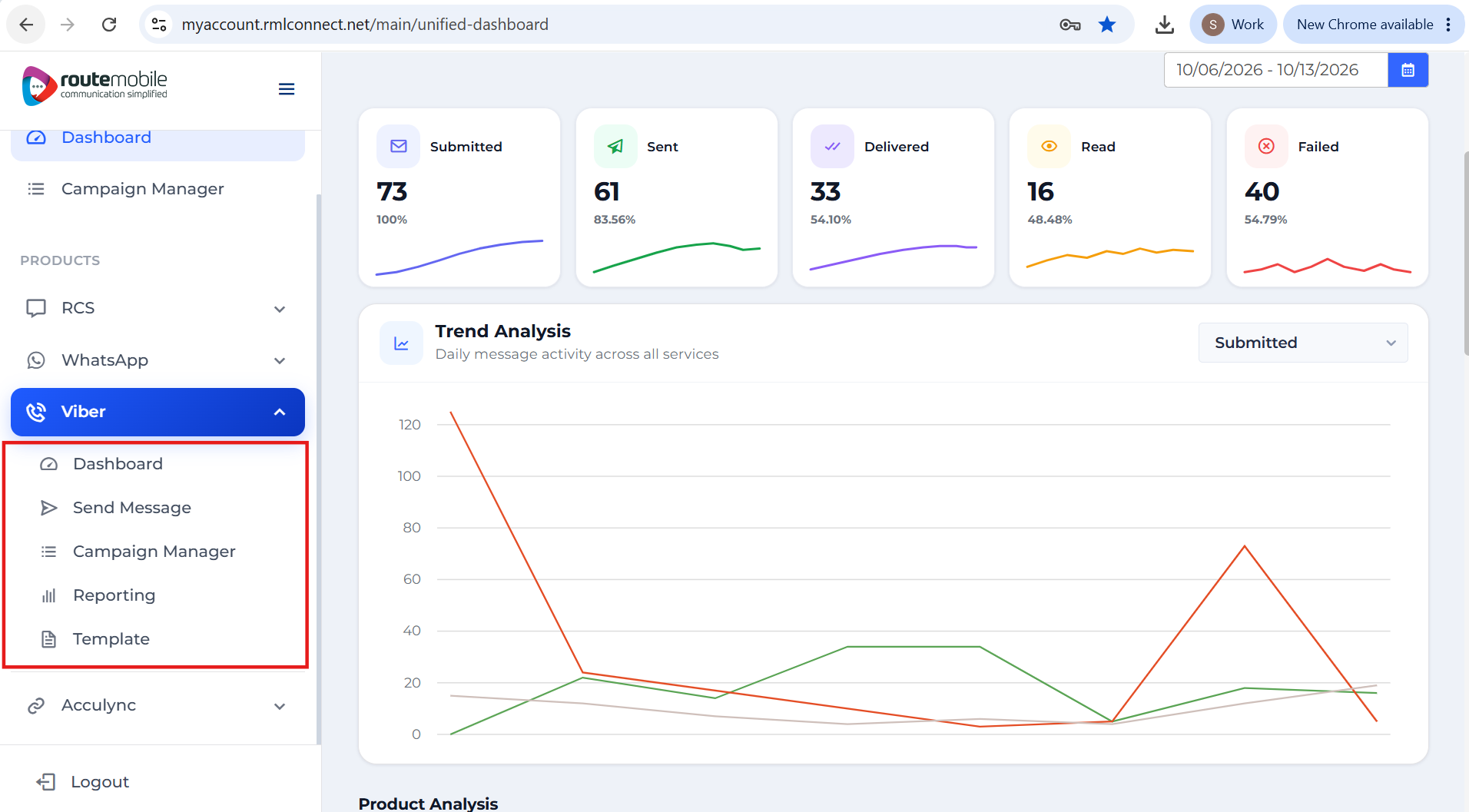
Click the Viber dropdown icon to view the available options.
Available options
The following options are available under Viber Business Messages:
- Dashboard
- Send Message
- Campaign Manager
- Reporting
- Template
Updated 7 days ago
Did this page help you?