
Getting Started
Log in to the Roubot Live Agent Panel so you can start receiving and handling customer conversations.
Before you log in
Prepare the following:
- Get your username from your team administrator.
- Get your password during onboarding or set it from the setup email you received.
- Connect to a stable internet connection.
- Open a supported web browser. Google Chrome is recommended.
If you do not have login credentials, contact your administrator or supervisor. Credentials are created by an administrator and cannot be self-registered.
Log in to the Live Agent Panel
-
Open the Roubot Live Agent login page.
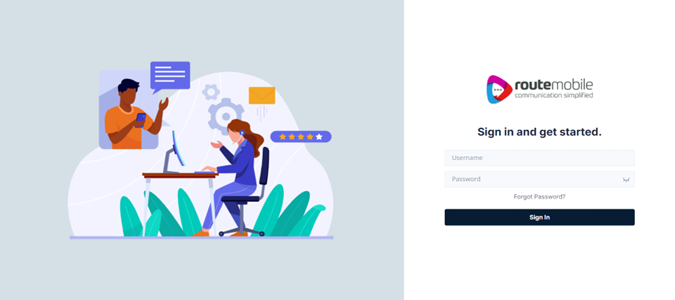
Bookmark this page so you can return to it for future sessions.
-
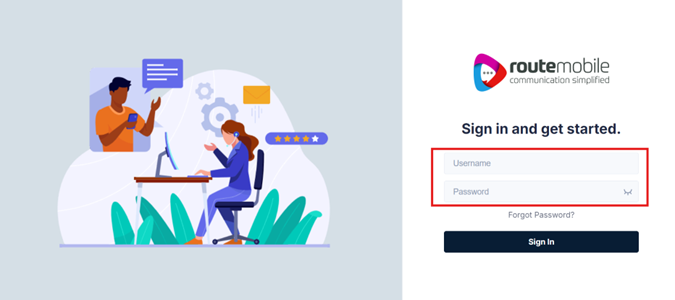
Enter the username assigned by your administrator.
-
Enter your password.
-
Click Sign In.
If your credentials are correct, you will be taken to the Live Chat screen, which is your main workspace for handling customer conversations.
Reset your password
If you forget your password, reset it from the login screen.
-
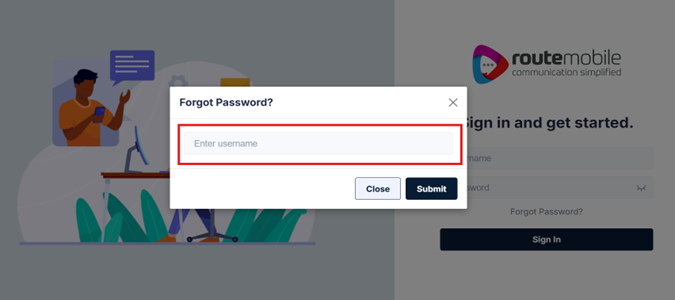
Click Forgot Password? below the password field.
-
Enter the username assigned during onboarding.
-
Click Submit.
-
Check the email address linked to your account for a new password.
-
Use the new password to log in.
The reset email is sent to the email address your administrator configured for your account. This may not be the email address you use day to day. If you do not receive the email, check your spam folder or ask your administrator to confirm the email address on record.
If you do not want to reset your password, click Close in the reset popup to return to the login screen.
Your credentials are unique to you. Do not share your username or password with anyone, including colleagues. Each agent must use their own login.
Troubleshoot login issues
| Issue | What to do |
|---|---|
Invalid credentials error | Check your username and password. Passwords are case-sensitive. |
| Forgot your password | Click Forgot Password? and follow the reset steps. |
| Page not loading | Check your internet connection or try a different browser. |
| Account locked or inactive | Contact your administrator. Your account may need to be activated. |
After you log in successfully, continue to the next section to learn about the main elements of your Live Chat workspace.
Updated 3 months ago