
Job Management
The Job Management option displays details of the jobs uploaded by the user from 'Send SMS,' along with other information it displays status of the uploaded jobs.
Job Status
Status can be any one of the following:
- Waiting — Job is ready for execution.
- In Process — Message sending is in progress.
- Partially Completed — Indicates partial completion of Job.
- Scheduled — Indicates job is scheduled for execution.
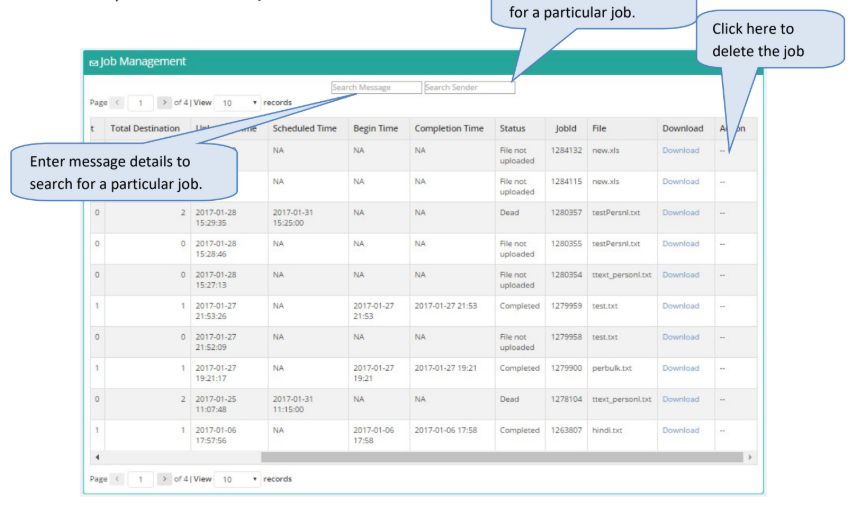
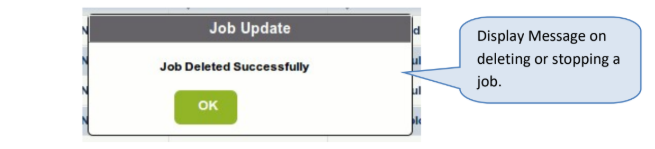
It provides an option to stop execution of jobs; however, only scheduled jobs can be deleted.
Updated 3 months ago
Did this page help you?