
Getting Started on the Route Mobile Panel
Your Credentials
Getting started is easy — enter your credentials to access your RCS workspace.
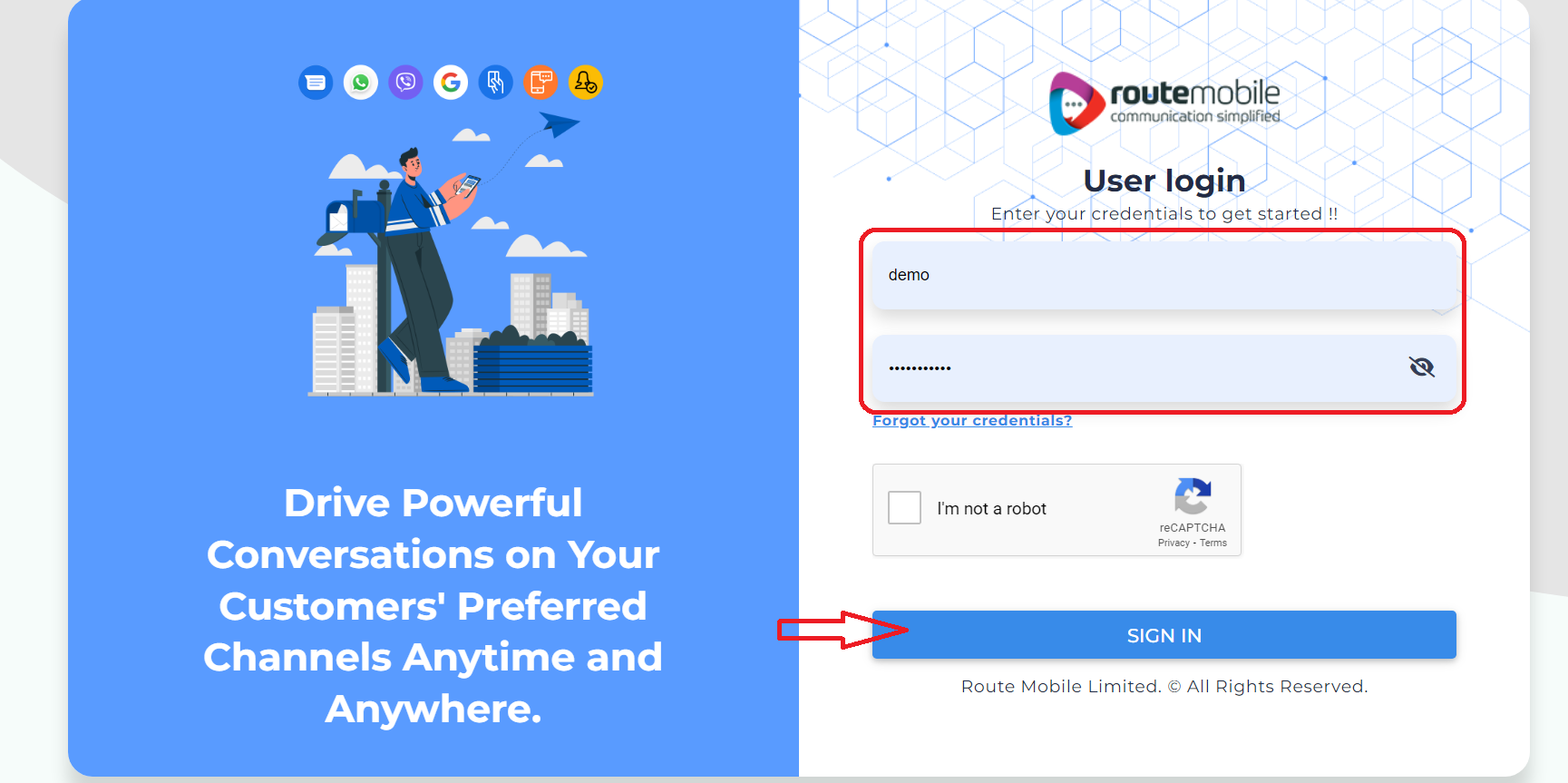
- Go to myaccount.rmlconnect.net/login.
- Enter your username and password.
- Click Sign In.
Select RBM
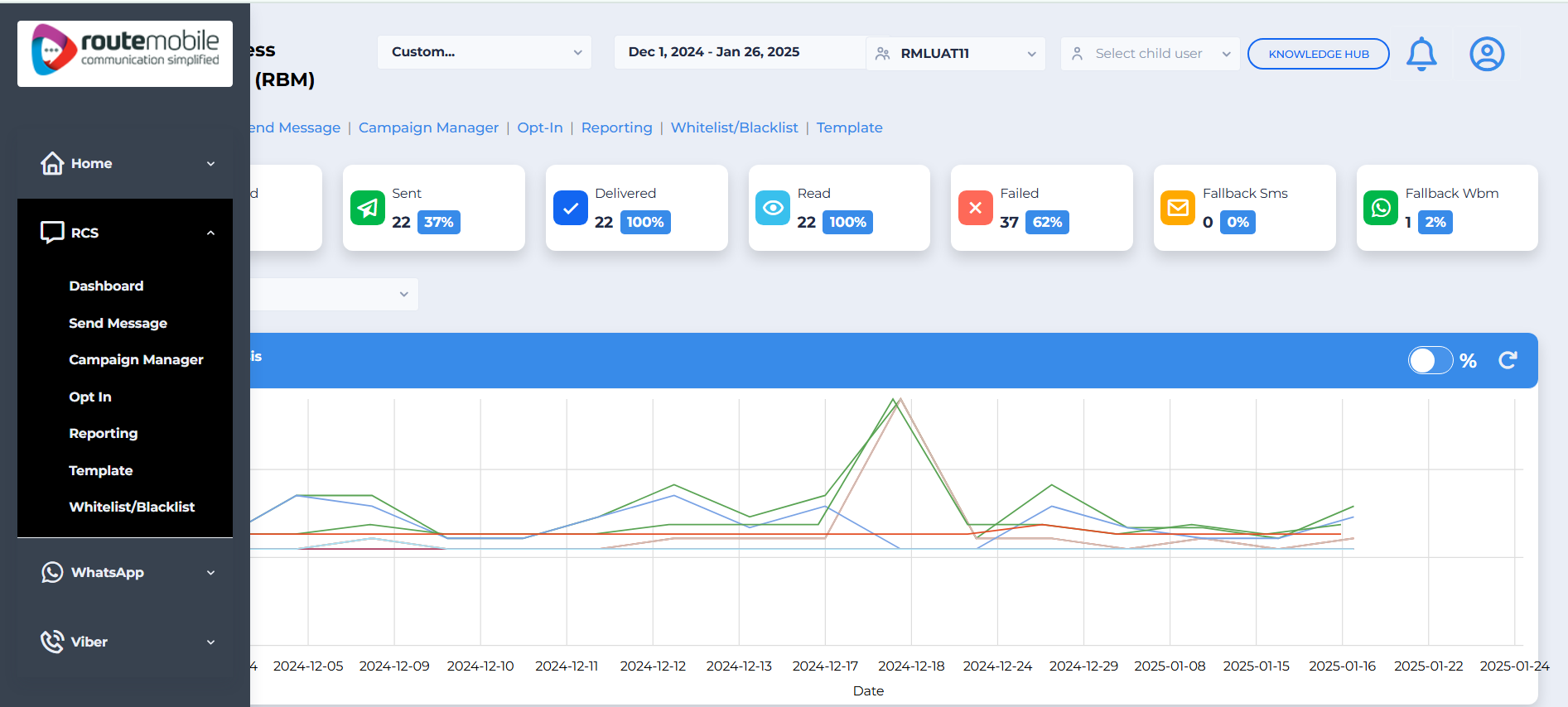
After signing in, open RBM to access the RCS Business Messaging areas.
-
On the main page, find the product icons on the left side.
-
Click the RBM icon.
-
Select one of the following areas:
- Dashboard
- Send Message
- Campaign Manager
- Opt-In Dashboard
- Reports
- Whitelist / Blacklist Numbers
- Bulk Capability Check
Updated 3 months ago
Did this page help you?