
Contact Group
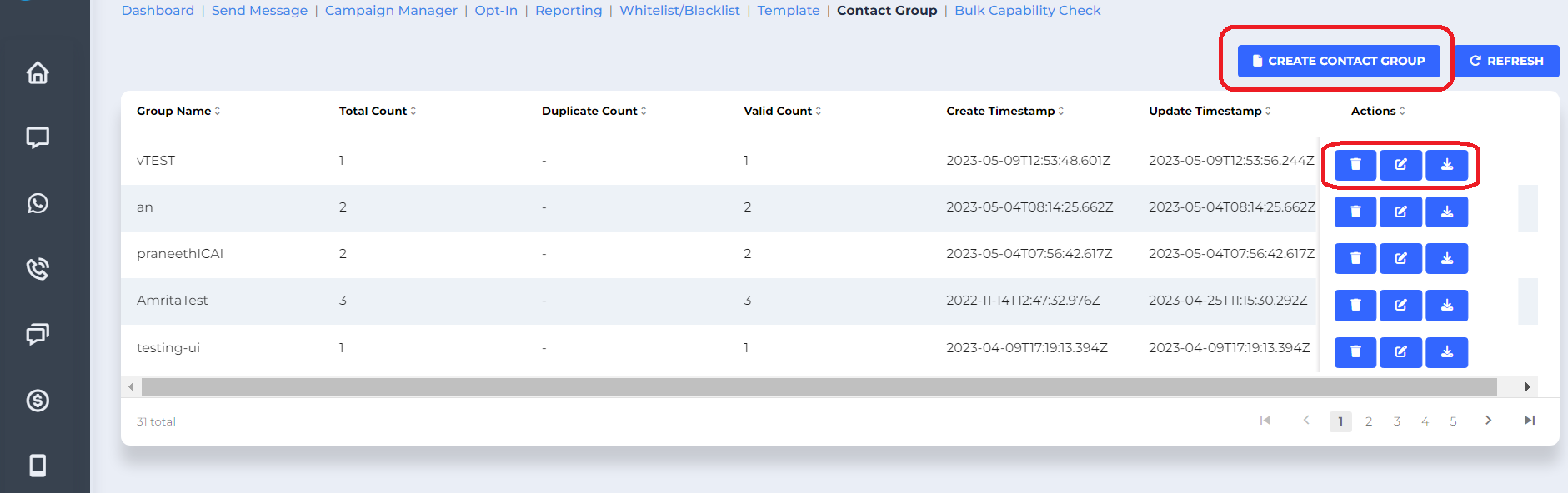
- Once you click on the contract group you can view all the groups which has been created.
- If you want to create the new group click on create new contact group.
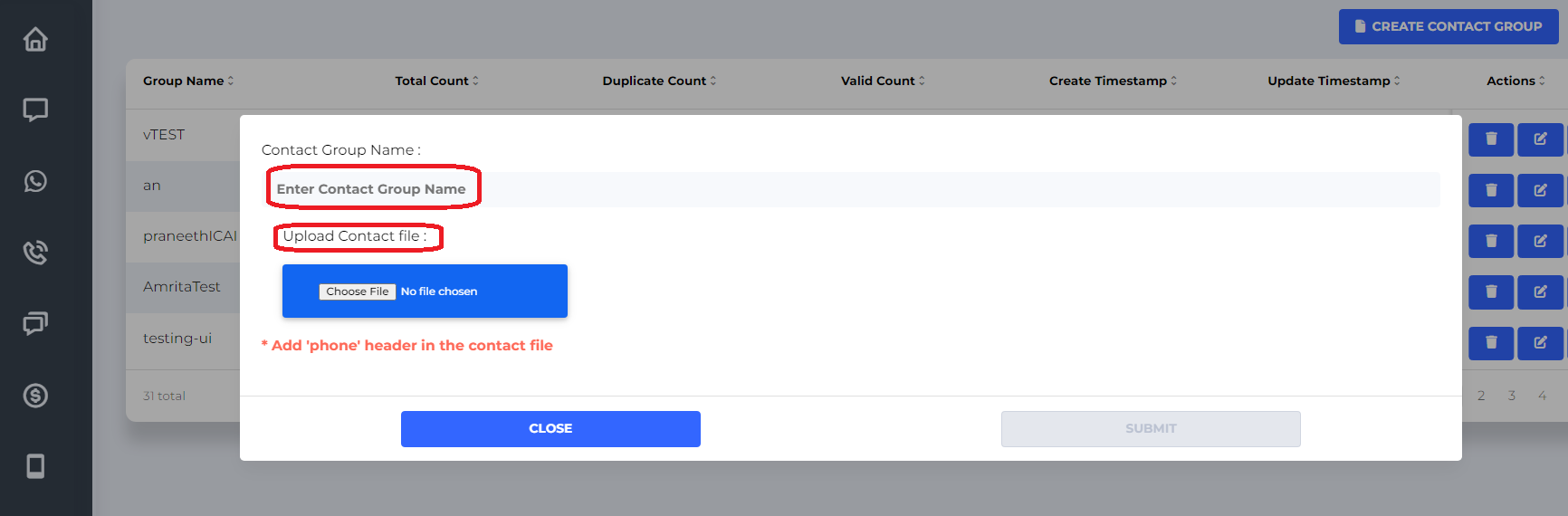
- Enter Contact Group Name : Type the name which you wish to give for the set of numbers.
- Upload Contact File : Upload the file which you want to add for the group with header phone. File should be txt/CSV format.
- You also have the option to delete the group or edit the group.
Updated 3 months ago
Did this page help you?